The moments we most want the Quran in our ears are often the moments the internet disappears: the long-haul flight, the subway commute, the drive through dead zones, the trip abroad where every megabyte costs. Streaming-only Quran apps go silent exactly then. Offline audio fixes that permanently.
How Offline Recitation Works in Ayah Scroll
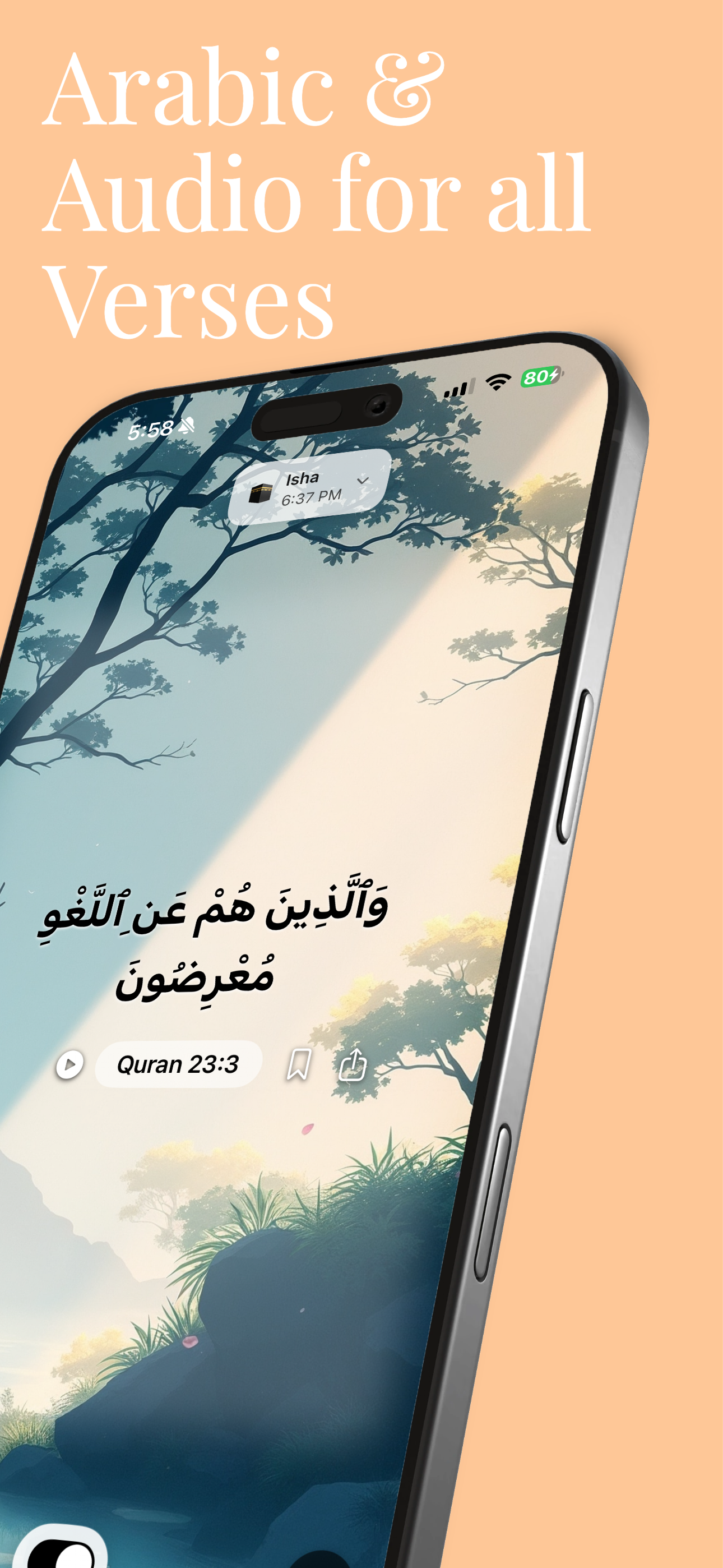
- Every verse has audio. Each of the 100+ curated verses comes with beautiful Arabic recitation — tap the play button beside any ayah.
- Audio is cached automatically. As you listen, recitations are saved on your device. No separate "download manager", no per-surah downloads to babysit.
- Text works offline too. Verses and English translations are cached alongside the audio, so swiping, reading and listening all work with zero connection.
Set Yourself Up Before You're Offline
- Download Ayah Scroll free from the App Store.
- Spend a few minutes scrolling on Wi-Fi. Play the verses you love — especially your bookmarks — so their audio is cached.
- Bookmark your travel playlist. Saved verses keep full text, translation and audio available in your collection, ready for the flight.
- Test it: flip on airplane mode and press play. That's it — you're set for the trip.
Why Listening Changes Your Relationship With the Quran
The Quran was revealed as recitation — it was heard before it was ever read from a page. Listening does things reading alone can't:
- It slows you down. You absorb the ayah at the reciter's pace, not your scrolling pace.
- It teaches your ear. Following the Arabic while reading the English translation builds recognition of Quranic words surprisingly fast.
- It calms. There's a reason recitation is the soundtrack Muslims reach for in anxious moments — measured breath, measured heart.

Frequently Asked Questions
Do I need to manually download audio files?
No — Ayah Scroll caches recitation automatically as you listen. Play a verse once on Wi-Fi and it's available offline from then on.
Does offline audio take a lot of storage?
No. Per-verse audio clips are small, and the app itself is only ~64 MB. You won't notice the cache.
Can I listen with headphones or in the car?
Yes — recitation plays through whatever audio output your iPhone is using: AirPods, car Bluetooth, or the built-in speaker.