Your home screen is the most-viewed surface in your life — most people see it well over a hundred times a day. A Quran widget turns every one of those glances into a micro-moment of remembrance. You reach for your phone to check a message, and an ayah meets you first. No opening an app, no effort: dhikr by default.
Step-by-Step: Adding the Ayah Scroll Widget
- Download Ayah Scroll from the App Store and open it once — iOS only offers widgets for apps you've launched.
- Long-press an empty spot on your home screen until your apps start to jiggle.
- Tap the + (or "Edit") button in the top corner of the screen.
- Search for "Ayah Scroll" in the widget gallery.
- Choose your size and tap Add Widget, then drag it wherever you like and tap Done.
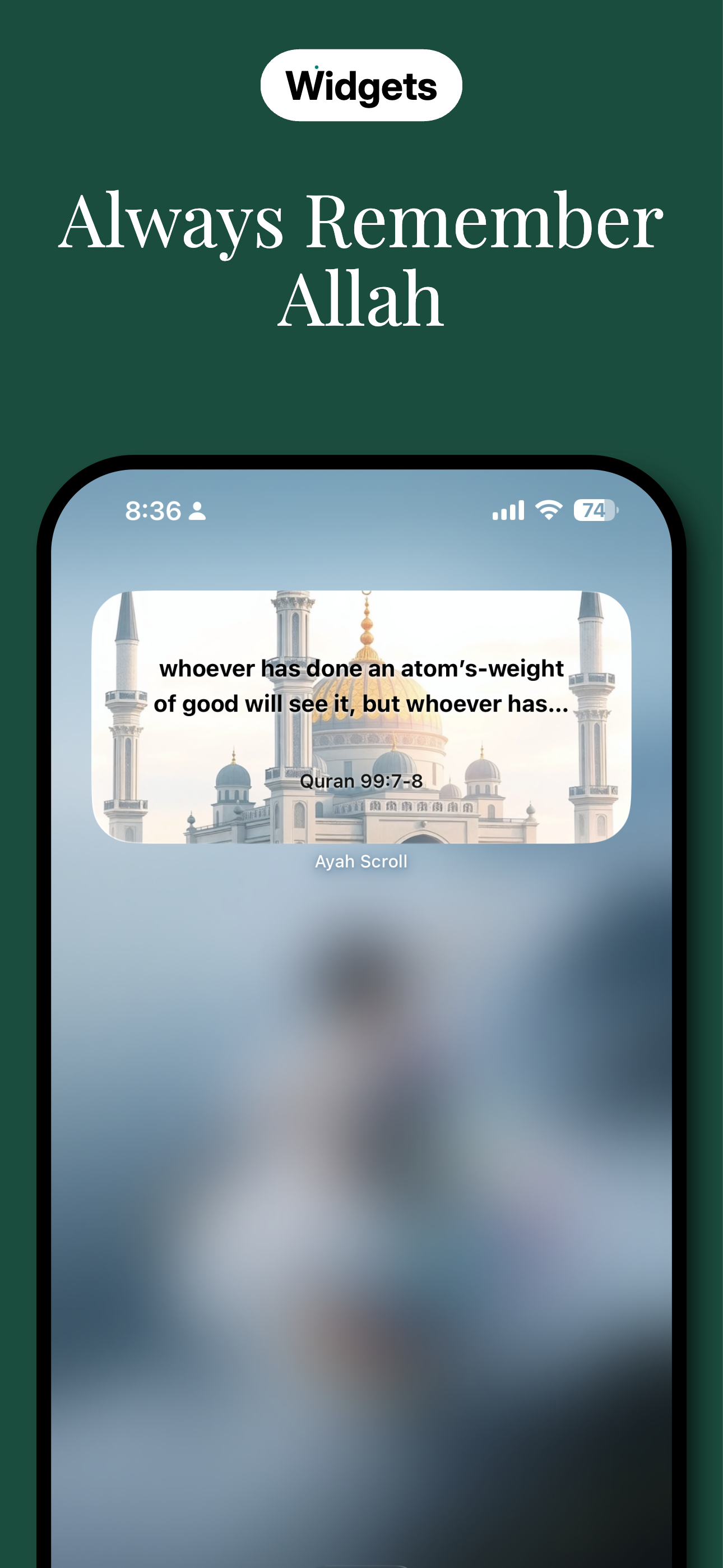
Make the Widget Yours
Inside Ayah Scroll's widget settings you can:
- Choose Arabic or English — read the original text or the translation at a glance.
- Pick the background — Islamic art, nature photography or minimalist themes from the app's 76+ background library, with text that adapts for readability.
- Pin a bookmarked verse — keep the one ayah that anchors you (maybe a verse about patience or one that calms your anxiety) permanently on display.
Widget + Reminders + Prayer Times = A Day Wrapped in Remembrance
The widget is passive remembrance; pair it with active touchpoints for the full effect. Daily verse notifications bring fresh ayahs to you up to 8 times a day, and built-in prayer times keep salah on schedule. Between the three, it becomes genuinely hard to go a whole day without the Quran — which is exactly the point.

Frequently Asked Questions
Does the widget change verses automatically?
Yes — by default the widget rotates through verses during the day. Prefer one constant anchor? Pin any bookmarked verse and it stays on display.
Can I show the verse in Arabic on the widget?
Yes, the widget can display either the Arabic text or the English translation — your choice in the widget settings.
Does the widget drain battery?
No. iOS widgets update on a system-managed schedule and use negligible power — far less than opening an app repeatedly.